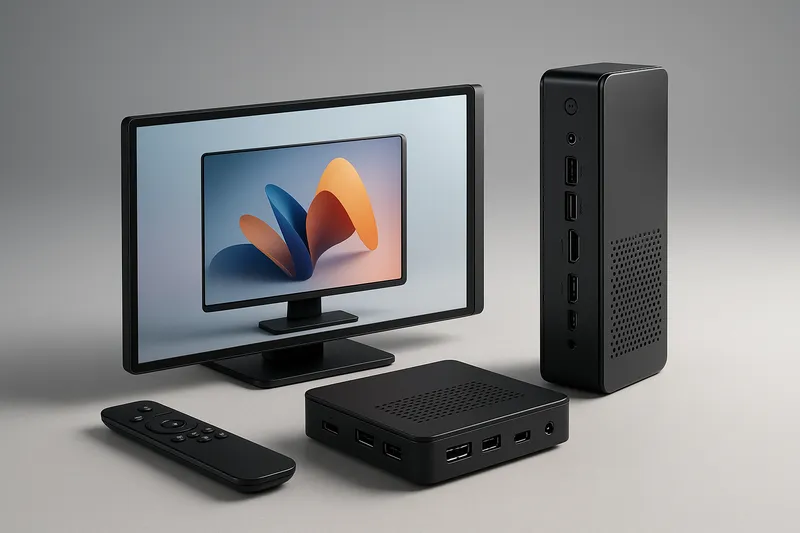
Selecting the right hardware to power your digital signage network is as critical as crafting engaging content. The player device acts as the core engine driving content delivery, playback quality, and system stability. Choosing an inappropriate player can lead to frequent downtime, poor visual performance, and costly maintenance.
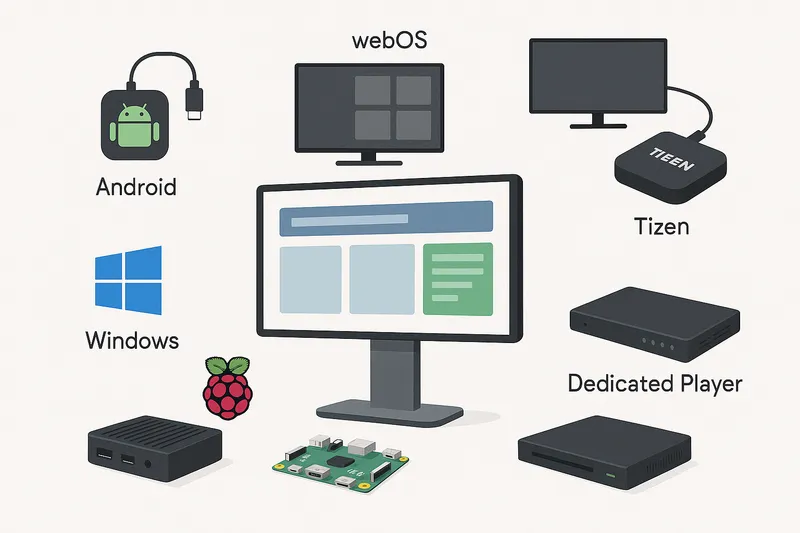
This guide dives deep into the common digital signage player hardware platforms — Android, webOS, Tizen, Windows, Raspberry Pi, and dedicated players — highlighting technical aspects, use cases, and selection criteria to help businesses make well-informed decisions.
Why Player Hardware Matters
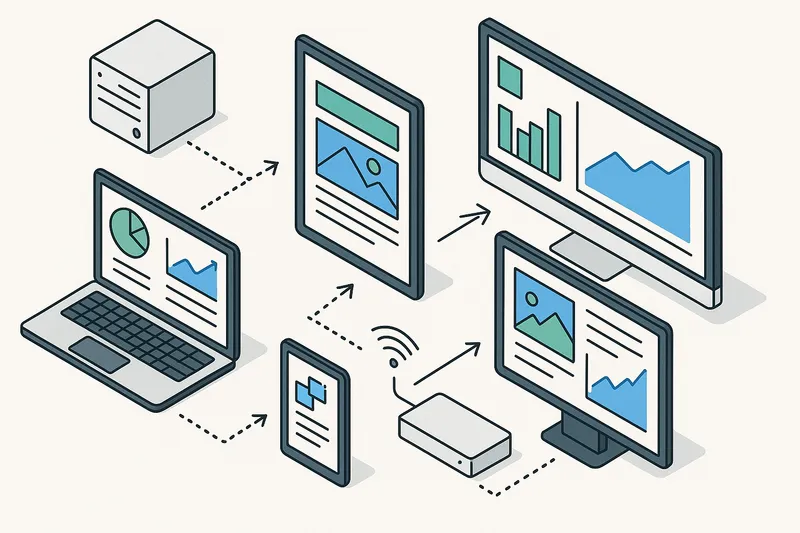
A digital signage player is a compact computing device that interprets and displays content on screens according to schedules, playlists, and triggers managed by signage software. Its capabilities directly affect:
- Content performance: Will your 4K videos play smoothly? Can it handle interactive content?
- Stability: Is the hardware designed for continuous operation?
- Manageability: How easily can you remotely update and monitor your players?
- Scalability: Does the hardware suit a few screens or hundreds?
- Integration: Can it connect with sensors, POS systems, or data sources?
Picking the right player means aligning your content complexity and operational needs with hardware specs and platform features.
Key Factors to Consider When Choosing a Digital Signage Player
Before comparing platforms, let’s establish some universal criteria:
- CPU and GPU power for decoding video codecs and rendering animations
- RAM and storage for caching and playing high-res content
2. Operating System and Software Compatibility
- Support for your chosen CMS and content formats
- Security features and update policies
3. Connectivity Options
- Wired Ethernet, Wi-Fi, 4G/5G support, Bluetooth
- USB, HDMI, GPIO ports for peripherals
4. Hardware Reliability and Industrial-Grade Design
- 24/7 operation rating
- Thermal management and dustproof casing
5. Remote Management Capabilities
- Ability to reboot remotely, take screenshots, check device health
6. Cost and Total Cost of Ownership (TCO)
- Initial purchase price
- Energy consumption
- Maintenance or replacement frequency
Android-Based Players
Overview
Android players are widely used due to their affordability, flexibility, and familiar development environment.
Advantages
- Large app ecosystem: Enable deploying custom Android apps as content.
- Affordable hardware options: From budget to high-end SOCs.
- CMS support: Most signage platforms support Android.
- Touchscreen and peripheral integration: Good for interactive kiosks.
Challenges
- Fragmentation: Different device manufacturers with varying quality.
- Update reliability: Security and OS updates can be inconsistent.
- Limited industrial-grade models: Consumer-grade players may overheat under constant use.
Best Use Cases
- Small to medium deployments with predominantly video and image content
- Interactive displays and kiosks
webOS Players
Overview
webOS, developed originally by Palm and later acquired by LG, is now popular mainly on LG commercial displays.
Advantages
- Embedded in many LG commercial displays: Eliminates the need for external players.
- Optimized for media playback: Smooth video decoding with low latency.
- IT-friendly: Supports remote management using MDNS and REST APIs.
- Security: Frequent firmware updates and sandboxed apps.
Challenges
- Limited to LG ecosystem: Less flexible for mixed hardware environments.
- CMS compatibility: Some limitations depending on software.
Best Use Cases
- Retail and corporate environments favoring all-in-one commercial screens
- Networks using LG panels primarily
Tizen Players
Overview
Samsung’s Tizen OS is embedded in their commercial displays and standalone players.
Advantages
- Optimized hardware/software integration: Samsung designs both OS and display.
- Wide native app support: For CMS, browsers, and media playback.
- Industry-grade reliability: Designed for 24/7 use.
- Security: Regular patches and enterprise-grade protections.
Challenges
- Samsung-only ecosystem: Limited third-party hardware options.
- Learning curve for custom app development.
Best Use Cases
- Deployments leveraging Samsung digital signage hardware
- Advertising displays requiring high uptime
Windows-Based Players
Overview
Windows players use standard PC hardware or dedicated small-form PCs running Windows OS.
Advantages
- Flexibility: Supports a wide array of content types, including complex interactive and enterprise integrations.
- Legacy software compatibility: Useful for businesses with existing Windows-based applications.
- Full peripheral support: USB devices, sensors, POS systems.
- Powerful hardware options: From small PCs to full desktops.
Challenges
- Higher cost: Typically pricier than Android or embedded OS.
- Maintenance overhead: Requires regular Windows updates and antivirus.
- Power consumption: Usually higher than embedded platforms.
Best Use Cases
- Enterprise environments requiring advanced functionality or integration
- Interactive kiosks with complex applications
Raspberry Pi Players
Overview
The Raspberry Pi is a popular single-board computer widely used by developers and small businesses.
Advantages
- Low cost and size: Affordable entry point for small-scale signage.
- Customizability: Full Linux stack support.
- Community support and software: Many open-source digital signage projects.
Challenges
- Limited hardware power: Can struggle with 4K or high-bitrate video.
- Not industrial grade: Risk of overheating and shorter lifespan.
- Limited connectivity options: No native cellular support.
Best Use Cases
- Small retail or internal signage with low complexity
- Experimentation and prototyping
Dedicated Players
Overview
These are purpose-built digital signage boxes provided by hardware manufacturers.
Advantages
- Industrial design: Built for continuous use.
- Optimized firmware: Tailored for digital signage software.
- Vendor support: Usually comes with warranty and service agreements.
- Simple installation: Often plug-and-play.
Challenges
- Cost: Generally more expensive up front.
- Vendor lock-in: May require proprietary CMS or protocols.
- Less flexibility: Limited to features supported by the vendor.
Best Use Cases
- Large-scale deployments prioritizing reliability
- Strict environments requiring rugged hardware
How to Match Player Hardware to Your Digital Signage Needs
| Use Case | Recommended Platform(s) | Why? |
|---|
| Small retail or startups | Android, Raspberry Pi | Cost-effective, supports common content types |
| Enterprise with integration | Windows | Supports complex apps and peripherals |
| Network of commercial screens | webOS, Tizen | Embedded, industrial-grade, simplified maintenance |
| Interactive kiosks | Android, Windows, dedicated | Touch support, powerful enough for real-time apps |
| Large, 24/7 deployments | Dedicated players, Tizen, webOS | Reliability and remote management features |
Practical Tips for Deploying and Managing Your Players
- Test hardware thoroughly: Run your actual content on candidate players before purchasing large volumes.
- Factor in remote management: Devices should support remote reboot, updates, health monitoring.
- Consider power consumption: Lower power usage translates to operational savings.
- Plan for redundancy: Critical locations may need backup devices.
- Regular firmware updates: Ensure devices are patched to mitigate security risks.
Leveraging EasySignage with Your Chosen Player
EasySignage supports multiple platforms and provides cloud-based CMS, content scheduling, and device monitoring features compatible with Android, webOS, Tizen, Windows players, and more. Combining EasySignage with the right hardware ensures smooth operations, content flexibility, and scalability.
Conclusion
Choosing the right digital signage player hardware involves balancing performance, reliability, cost, and platform compatibility. Android offers affordability with broad support; webOS and Tizen excel in integrated commercial display ecosystems; Windows provides enterprise-grade power and flexibility; Raspberry Pi suits low-budget, low-complexity needs; dedicated players offer plug-and-play industrial reliability.
Carefully evaluating your content complexity, deployment scale, and maintenance capabilities ahead of time will save headaches and maximize ROI. With thoughtful player selection and management tools like EasySignage, you can build a digital signage network that both dazzles and delivers consistently.
For further guidance on player hardware or digital signage management, explore EasySignage resources or contact your hardware vendor to ensure compatibility and best practices.