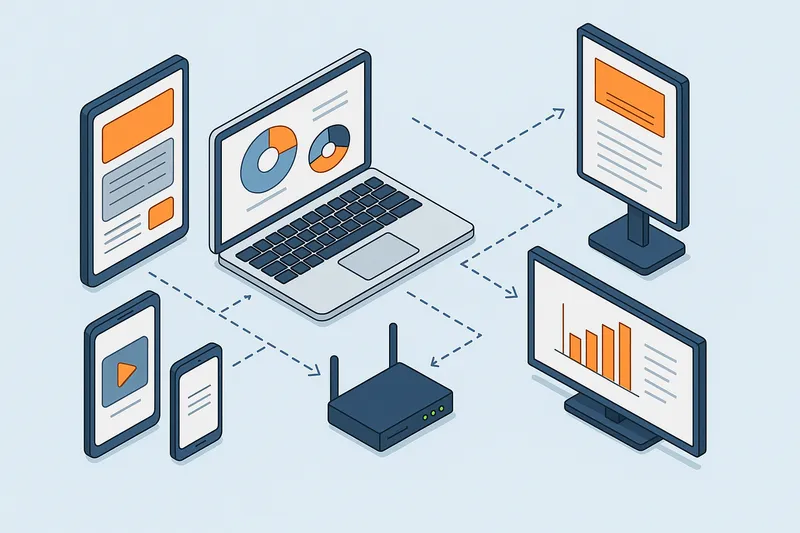
Complete Guide to Remote Management and Monitoring for Digital Signage
Complete Guide to Remote Management and Monitoring for Digital Signage Managing multiple digital signage screens across one or many locations can …
Read Article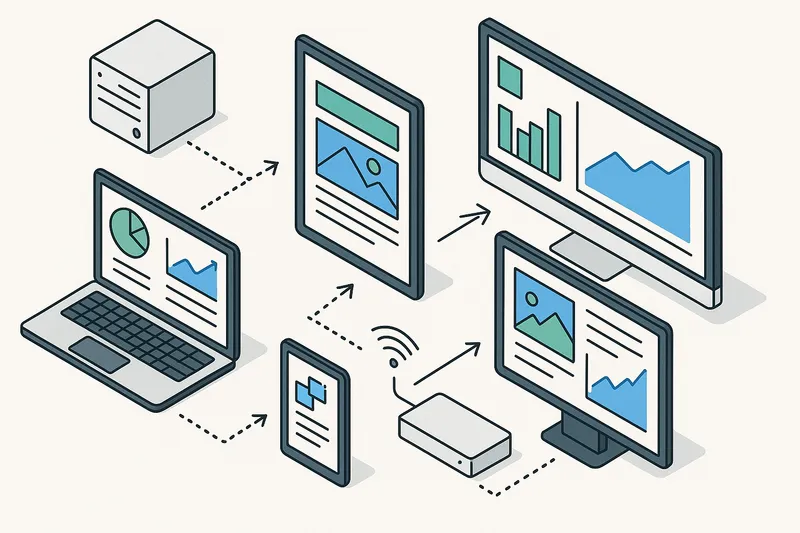
In today’s fast-paced business environment, digital signage networks play an essential role in communications, marketing, and customer engagement. With screens deployed across multiple locations, managing these devices in person quickly becomes inefficient and costly. Remote management and monitoring tools help digital signage operators maintain uptime, improve operational efficiency, and ensure consistent content delivery without sending technicians onsite.
This article explores key concepts, best practices, and practical examples to help businesses optimize their digital signage deployments through effective remote management and monitoring.
Remote management refers to the ability to control and configure digital signage devices—such as media players and displays—from a central interface, usually cloud-based or on-premises software. This includes actions like updating playlists, changing screen settings, rebooting devices, or scheduling content.
Remote monitoring involves tracking the health and status of these devices in real-time or near-real-time and alerting administrators about issues such as:
Together, these capabilities enable operators to proactively prevent downtime and rapidly troubleshoot issues.
Digital signage networks are often distributed across multiple sites, cities, or even countries. Without remote management, maintaining these installations would require frequent, costly site visits that disrupt daily operations.
Benefits of remote management and monitoring include:
Even small deployments can gain significant ROI from these capabilities.
A solid remote management and monitoring tool for digital signage should offer robust and user-friendly features, such as:
1. Device Health Monitoring
2. Real-Time Alerts and Notifications
3. Remote Device Controls
4. Content Management Integration
5. Automated Watchdogs
6. Analytics and Reporting
7. Security and Access Control
These features help operators maintain control and visibility no matter where screens are located.
A nationwide retail chain uses cloud-managed digital signage software with remote monitoring to:
This reduces maintenance overhead and ensures consistent brand messaging.
A corporation with hundreds of office screens uses remote monitoring dashboards to:
The IT team can troubleshoot issues without interrupting employees.
To maximize benefits, follow these practical tips:
Using a consistent type of media player and signage software simplifies remote management and reduces compatibility issues.
Reliable, high-speed connectivity is essential. Consider wired Ethernet where possible; if wireless, use stable Wi-Fi or 4G/5G with backup.
Assign roles and access rights within your digital signage platform to ensure secure and efficient workflows.
Proactively receive notifications for device and playback issues with clear escalation paths.
Where available, enable watchdog functions that automatically recover hung or offline devices.
Schedule periodic reporting reviews and device health audits to catch intermittent problems early.
Use VPNs, encrypted communications, and strong passwords to prevent unauthorized access.
Make sure your team understands how to use the management dashboards and troubleshoot remotely.
Challenge: Network outages prevent remote access.
Solution: Use player hardware with offline playback capabilities and watchdog timers to ensure content continues during interruptions.
Challenge: Diverse hardware platforms complicate management.
Solution: Select solutions that provide unified monitoring and control across your device mix, or gradually standardize.
Challenge: Security vulnerabilities expose devices to attacks.
Solution: Implement best-practice cybersecurity protocols and regularly update software.
EasySignage provides integrated remote management features that allow operators to monitor device status, control content schedules, and receive alerts through a centralized cloud platform. Users can access dashboards and troubleshoot from anywhere, ensuring their digital signage networks remain operational and effective at all times.
Remote management and monitoring are foundational for modern digital signage success, particularly as networks grow more complex and geographically dispersed. By implementing proactive monitoring, automated controls, and secure connectivity, businesses can enhance reliability, reduce operational costs, and maintain timely, relevant content on their displays.
Operators should prioritize platforms with comprehensive remote management features and establish clear operational processes to fully realize these benefits.
Start evaluating your remote management capabilities today to ensure your digital signage investment delivers maximum impact without disruptions.
Complete Guide to Remote Management and Monitoring for Digital Signage Managing multiple digital signage screens across one or many locations can …
Read Article
Total Cost of Ownership for Digital Signage: What Businesses Need to Know Implementing a digital signage solution can transform business …
Read Article