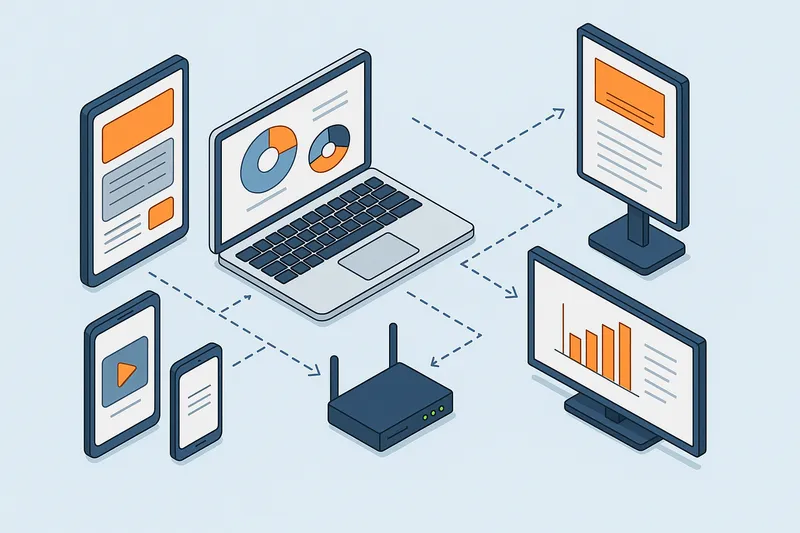
Complete Guide to Remote Management and Monitoring for Digital Signage
Complete Guide to Remote Management and Monitoring for Digital Signage Managing multiple digital signage screens across one or many locations can …
Read Article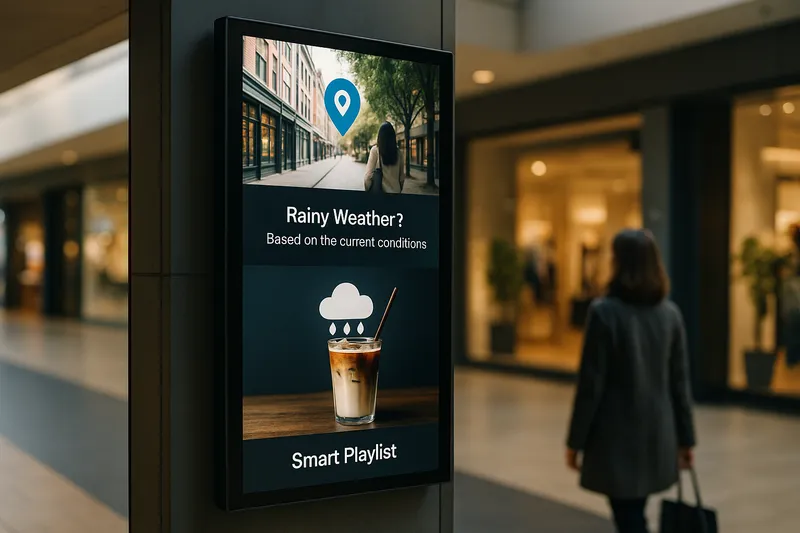
In today’s competitive business environment, digital signage is no longer just about displaying static content or looping simplistic playlists. Advanced digital signage features empower organizations to deliver highly relevant, personalized, and context-aware messages that resonate with viewers, streamline operations, and maximize return on investment.
This post dives deep into key advanced capabilities like tag-based targeting, playlists by location, conditional playback, and triggers, explaining what they are, how they work, and practical ways to use them for impactful digital signage deployments.
Digital signage advanced features refer to software and hardware capabilities that enable dynamic, automated, and context-sensitive playback of content. These features go beyond basic scheduling and simple playlist rotation to include:
Each feature handles a layer of complexity to enhance relevance and operational agility, and they often work together in modern digital signage CMS solutions.
Tag-based targeting involves categorising both display screens and content items with descriptive tags — for example, “Lobby”, “Sales Floor”, “Men’s Apparel”, or “Holiday Campaign”. The signage software then matches tags between content and screens to decide what runs where.
Retailers with multiple store locations could tag displays as “Store A”, “Store B”, and so on, while content tagged with the same store names appears only on those screens. For seasonal campaigns like “Back to School”, only tagged content shows during relevant dates.
Many organizations operate signage networks across diverse geographies, requiring localized content tailored by region, state, or city.
Screens are assigned a location attribute, and the CMS automatically generates or selects playlists containing content relevant to that geography. This avoids manual playlist management for each screen.
A grocery chain might push special offers on a digital menu board to stores within coastal regions only, tagged and scheduled for specific periods, without needing to build separate playlists manually.
Conditional playback allows the digital signage system to display content dynamically based on specific conditions, triggers, or external data.
A QSR could display breakfast menus before 11 am and switch automatically to lunch menus afterward. Retail stores could promote umbrellas automatically when rain is forecast.
Triggers are automated events or signals — such as sensor inputs, manual buttons, or software events — that command the signage player to switch content or change playlists instantly.
By layering these advanced features, organizations can build highly sophisticated playback strategies:
A gym chain could run location-specific workout challenges on screens tagged per city, schedule different playlists by time of day (morning vs evening workouts), display nutrition tips only when temperature exceeds 30°C via conditional playback, and use sensors to launch intro videos when new members enter.
EasySignage CMS offers robust support for tag-based targeting, conditional playback, and triggers, enabling businesses to automate and optimize content delivery across multiple sites effortlessly. Operators can create dynamic playlists that respond to location, time, and external data, backed by flexible user roles and approval workflows.
Advanced digital signage features are not just buzzwords — they unlock tangible benefits in content relevance, operational efficiency, and audience engagement. Implementing tag-based targeting, location-specific playlists, conditional playback, and trigger-driven content empowers businesses to move from static displays to intelligent digital ecosystems.
For businesses looking to future-proof their signage strategy, mastering these advanced capabilities is essential to deliver personalized, context-aware messaging that captivates and converts.
Start building smarter signage today by exploring how these advanced features can be integrated into your digital signage network.
Complete Guide to Remote Management and Monitoring for Digital Signage Managing multiple digital signage screens across one or many locations can …
Read Article
Total Cost of Ownership for Digital Signage: What Businesses Need to Know Implementing a digital signage solution can transform business …
Read Article