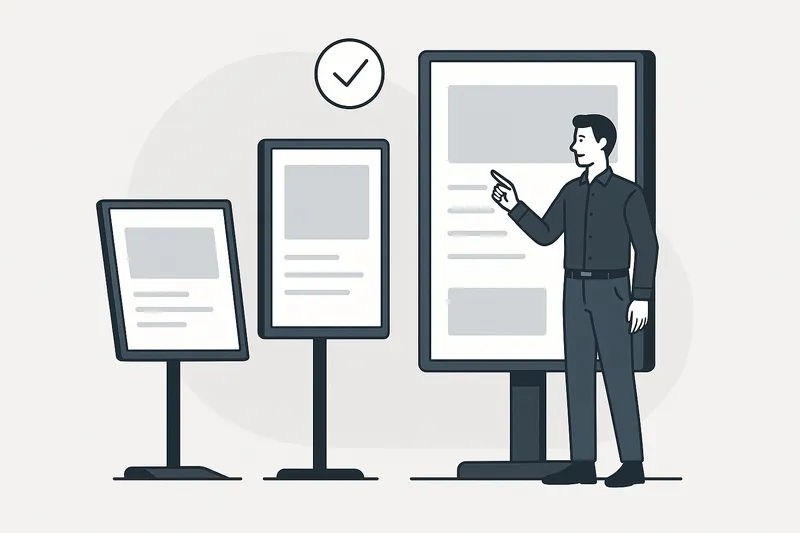
Choosing the Right Digital Signage Screen: A Practical Guide for Businesses
Choosing the Right Digital Signage Screen: A Practical Guide for Businesses Selecting the right display screen is a foundational step in any digital …
Read Article
Selecting the right screen is a pivotal step in any digital signage project, directly impacting visibility, reliability, and overall effectiveness. But with so many options — from consumer-grade TVs to commercial displays — how do you pick the best screen that balances cost, durability, and performance?
In this article, we’ll guide you through crucial factors to consider when choosing digital signage screens, including the differences between commercial and consumer-grade options, brightness requirements, 24/7 operation ratings, screen orientation, and sizing strategies for different environments.
Digital signage is not just about displaying content; it’s about communicating clearly and reliably to your target audience. The right screen ensures:
Using the wrong screen can lead to poor visibility, early hardware failure, and frustrated users — issues that can undermine your signage ROI.
These are the TVs and displays you buy for home use.
Built specifically for digital signage installations and continuous use.
Consumer screens might seem tempting due to cost, but in most commercial scenarios, the higher reliability and tailored features of commercial screens justify the expense, especially for prolonged or critical use.
Brightness, measured in nits (cd/m²), determines how well your screen stands out in its environment.
| Environment | Recommended Brightness |
|---|---|
| Indoor, low ambient light | 200-400 nits |
| Indoor, well-lit spaces | 500-700 nits |
| Outdoor, shaded areas | 1000-1500 nits |
| Outdoor, direct sunlight | 2500+ nits |
Tips:
Digital signage screens often operate continuously without shutdowns. Not all screens are made for this:
Running consumer screens 24/7 will likely lead to premature failure, image retention issues (“burn-in”), and inconsistent color.
Actionable advice: When planning signage for lobbies, retail floors, or transit, always select screens certified for continuous operation.
Not all consumer screens support portrait mode without risking overheating or wear; commercial screens often have firmware optimized for both.
For creative digital signage setups such as video walls or sculptural installations, consider modular commercial screens designed for edge blending and seamless tiling.
Key Points:
Screen size drives viewing distance, content impact, and budget.
| Viewing Distance | Recommended Screen Size |
|---|---|
| Up to 6 ft (1.8 m) | 32" to 43" |
| 6-12 ft (1.8-3.6 m) | 49" to 55" |
| 12-20 ft (3.6-6 m) | 65" to 75" |
| 20+ ft (6+ m) | 85" + or Video Walls |
Pro Tip: Measure your installation space and customer sightlines carefully to avoid screens that are too small to be effective or unnecessarily large and expensive.
A mid-sized retail chain needed digital signage for 20 stores with a mix of indoor and window displays.
Had they chosen consumer TVs, stores near windows faced washed-out images and hardware failures within months, increasing operational costs.
Choosing the right digital signage screen is a tradeoff between cost, performance, durability, and environment. Prioritize commercial-grade displays for continuous operation and demanding environments, factor in brightness for visibility in your lighting conditions, carefully select size based on viewing distance, and plan orientation around your content needs.
Investing time in selecting the appropriate screen upfront prevents costly replacements and ensures your digital signage initiative delivers consistent, impactful results.
Follow these practical guidelines to maximize the success of your digital signage projects with the right display hardware beneath your content.
Choosing the Right Digital Signage Screen: A Practical Guide for Businesses Selecting the right display screen is a foundational step in any digital …
Read Article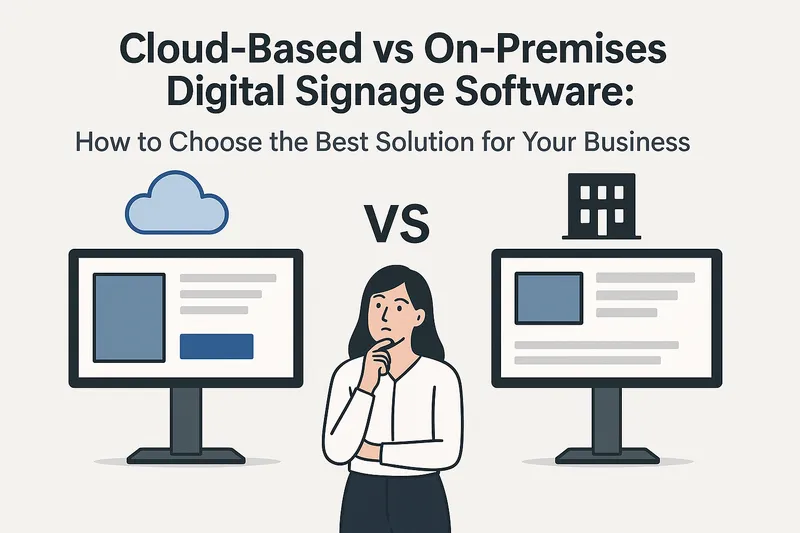
Cloud-Based vs On-Premises Digital Signage Software: How to Choose the Best Solution for Your Business Digital signage has become an essential tool …
Read Article